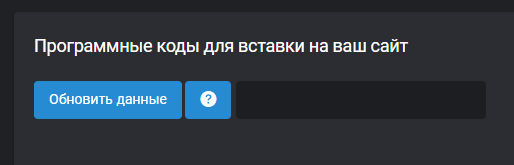
If the code for your Yandex Metrica counter has been modified, you must make an update in the site settings within the corresponding field. Afterward, initiate a “Data Update” by clicking on the button to generate the GTM code. This final step is crucial because we determine the Metrica counter code in the tags based on the input provided in the dashboard for each specific site.
Detailed steps for changing the Yandex Metrica counter code, as depicted in the screenshots, are as follows:
On the screen below, replace the Yandex Metrica counter code and then update the Yandex Metrica and Yandex Direct tokens (the link to the update is available by clicking the gray question mark). Don’t forget to click the “Save” button.
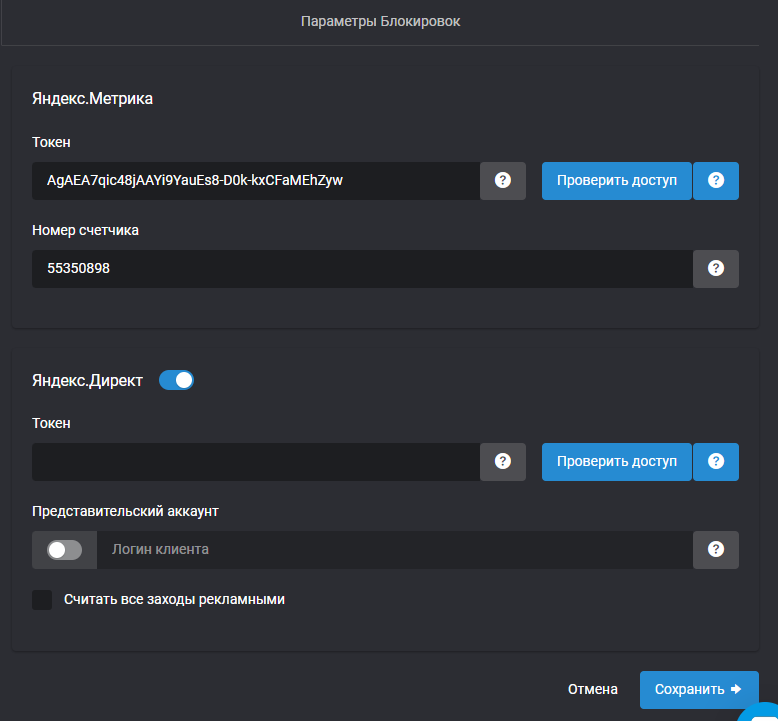
Once you have completed these steps, click on the “Update Data” button to refresh the tags in your GTM code associated with the Metrica counter code.